 AppGrout
Security foundations
Vibe coding security: what to check before production
A founder-readable map of authentication, authorization, data, secrets, payments, dependencies, and production failure paths.
Read the vibe coding security guideUnderstand what to verify, why it matters, and what evidence to keep. These guides help you prepare for a launch or a professional review; they do not certify that an app is secure.
A founder-readable map of authentication, authorization, data, secrets, payments, dependencies, and production failure paths.
Read the vibe coding security guide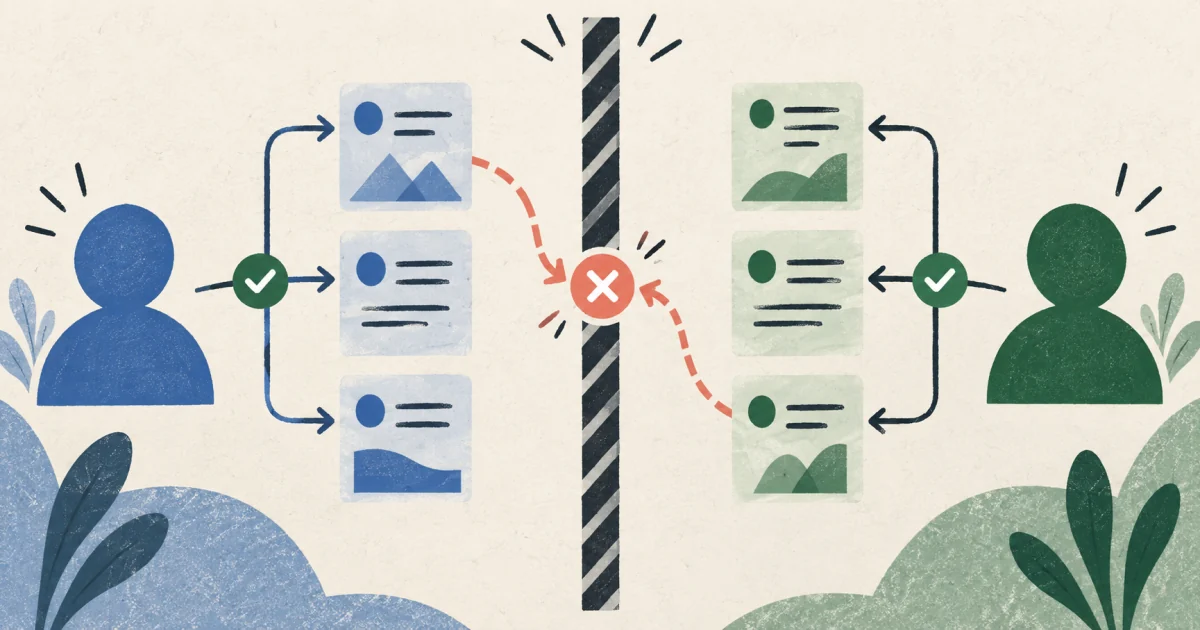
Use two identities, the Local Emulator Suite, and explicit evidence to verify Firestore user isolation instead of trusting the interface.
Read the Firebase user isolation guide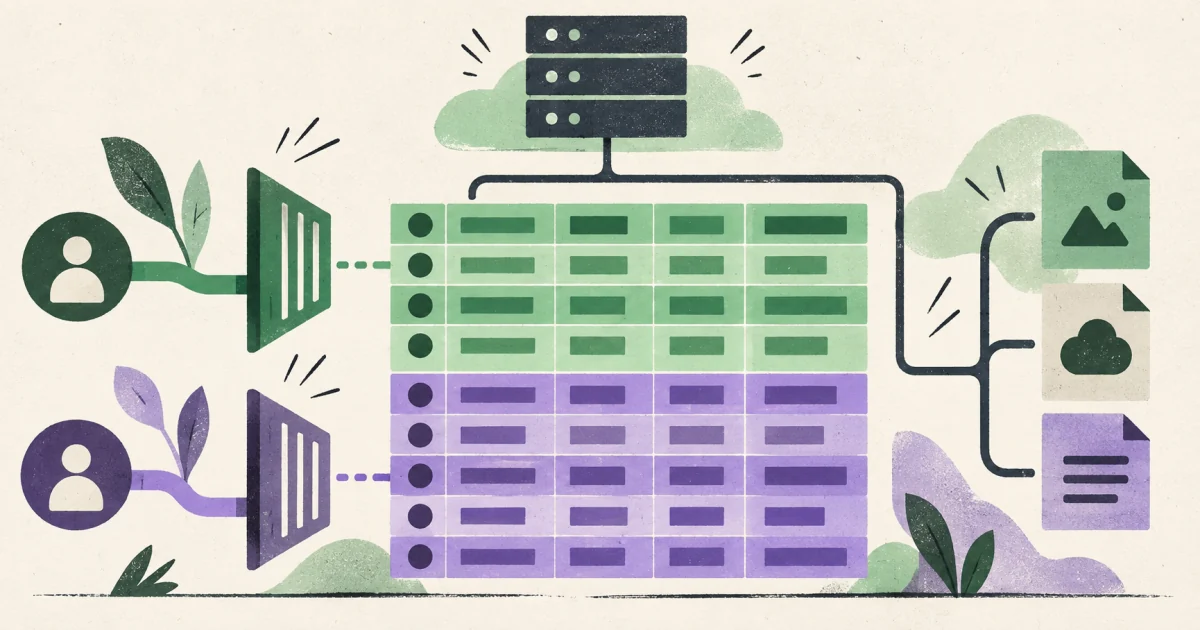
Understand public and privileged keys, tenant membership policies, Storage authorization, and repeatable User A versus User B tests.
Read the Supabase RLS guide
Work through practical checks in your browser, save progress locally, and print the items that still need evidence.
Open the AI app launch checklistA login screen is not evidence that every data request is authorized. A successful checkout redirect is not evidence that payment was verified. A green build is not evidence that recovery works.
The guides focus on observable behavior, clear boundaries, and small tests you can repeat. When a result remains uncertain, label it unverified and investigate further.
Choose a fixed package, confirm that your app fits its boundary, and pay before the private workspace is created.