 AppGrout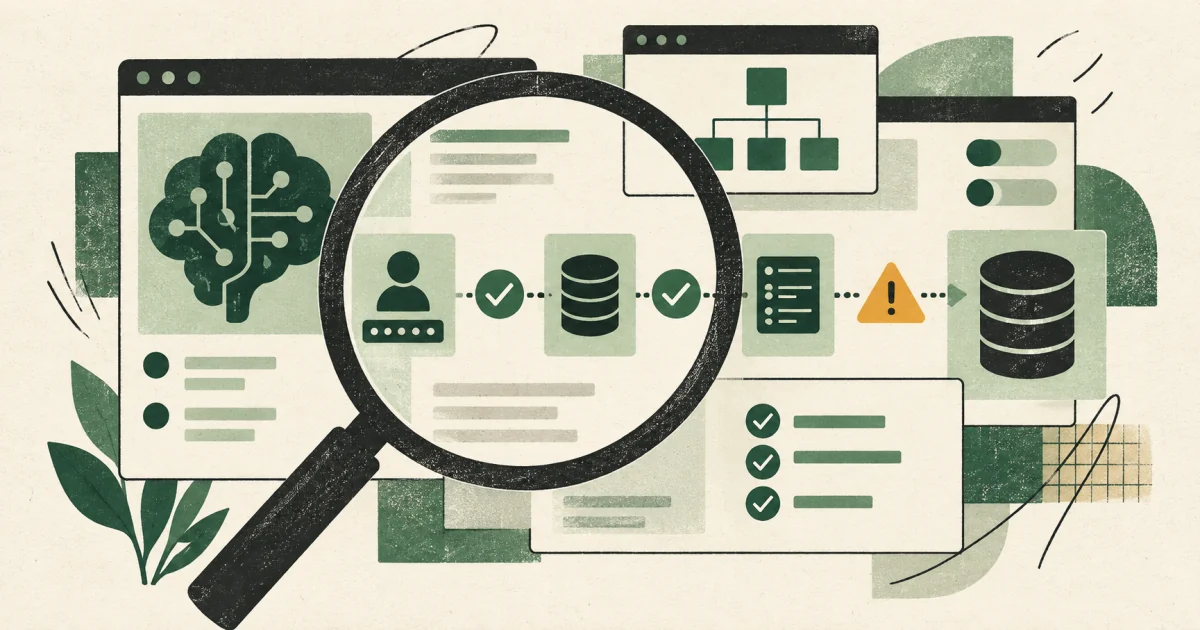
The foundation
Start with a security model, not a list of tools
Security begins with boundaries: which people and systems may perform which actions on which resources. An authenticated user is not automatically authorized to read every record. A hidden admin button is not an access control. A value that came from your own interface is still untrusted when it reaches the server.
Assume users can inspect and change requests sent by the browser. Enforce important decisions at the API, database-rule, storage-rule, or trusted server layer that owns the resource. Then test those decisions using accounts with different roles and data.
If someone skips the interface and sends this request directly, what trusted layer checks that they are allowed to do it?
The review
Six areas to review before launch
The right depth depends on the product and its data. These six areas are a practical starting point for an app with accounts, customer records, integrations, or payments.
Authentication
Confirm who the user is before the app trusts a request.
- Protected pages and APIs reject missing, expired, and invalid sessions.
- Password reset, email change, and account recovery do not expose another account.
- Sensitive actions require an appropriate fresh check, not only a hidden button.
Data authorization
Decide what each signed-in user may read or change, object by object.
- Every read and write is checked against ownership, membership, or an explicit role.
- A user cannot change an owner, tenant, price, or role field to gain more access.
- List, search, export, file, and background-job paths enforce the same boundaries.
Secrets and integrations
Keep privileged credentials out of code that runs on a user’s device.
- Provider secrets and service-account credentials stay on a trusted server.
- Logs, error messages, source maps, and repository history are checked for exposure.
- Credentials can be rotated, scoped, and separated between development and production.
Payments
Treat the payment provider—not a success screen—as the source of truth.
- The server verifies webhook signatures and handles repeat delivery safely.
- Amounts, currencies, products, and account ownership are validated server-side.
- Refunds, failed payments, delayed webhooks, and retries have defined behavior.
Dependencies
Know which third-party code and generated packages your app relies on.
- A lockfile makes installed versions reproducible and unused packages are removed.
- Known dependency issues are reviewed in the context of how the package is used.
- Updates are tested before release instead of being applied blindly or postponed forever.
Deployment and recovery
Prepare for failures that only appear outside the local preview.
- Production uses the intended project, database, keys, domains, and access roles.
- Logs are useful without collecting secrets or more personal data than necessary.
- Backups, migrations, monitoring, rollback, and incident ownership are understood.
Stack-specific authorization guides
Turn the data-access principle into repeatable tests
The Firebase and Supabase guides go deeper on User A versus User B isolation, privileged server paths, and the evidence to keep.
The method
Review code, running behavior, and configuration together
Reading code can reveal missing checks. Exercising the running app can show whether those checks work. Reviewing the deployed configuration can uncover a different set of permissions than the repository suggests. None of the three views is complete alone.
Trace
Follow important requests from the interface to the final data or provider action.
Challenge
Change identities, identifiers, fields, ordering, and timing to test assumptions.
Record
Save sanitized evidence, scope, result, impact, and the next responsible action.
Evidence worth keeping
- A map of entry points: browser, mobile client, APIs, webhooks, scheduled jobs, and admin tools.
- A role-and-resource matrix stating who may read, create, update, delete, or export each data type.
- Repeatable tests for unauthenticated access, cross-account access, role changes, and invalid input.
- Production configuration checks with secret values removed from screenshots and notes.
- Payment and recovery test records, including retries and failure paths—not only the happy path.
- A dated list of what was checked, what was not checked, findings, owners, and next actions.
See how AppGrout scopes coverage, evidence, and limitations in the Full App Audit ↗
A repeatable sequence
A practical pre-launch security pass
- 01
Draw the trust boundaries
Mark which code runs on a user-controlled device and which code runs in a trusted environment. Include every data store and third-party service.
- 02
List roles and valuable actions
Start with users, team members, admins, and service accounts. For each, name the records and actions they should—and should not—reach.
- 03
Test as an outsider and as the wrong user
Try signed-out requests, expired sessions, guessed identifiers, direct API calls, and User A requesting User B’s records.
- 04
Review money and privilege changes
Inspect checkout, subscriptions, credits, invitations, ownership transfers, admin changes, and any route that increases access.
- 05
Check production separately
Verify deployed rules, environment variables, domains, redirect URLs, service roles, monitoring, and backup behavior in the actual production project.
- 06
Record limits and decide what blocks launch
A useful review says what evidence supports each finding and what remained outside scope. Assign an owner and deadline to every launch blocker.
Continue the review
Use the free 15-point app launch checklist
Save your answers in the browser and mark the checks that need a closer look. It is a prioritization aid, not a security score.
Escalation
When a human review adds useful context
Automated checks can cover known patterns at scale. A reviewer can connect technical behavior to the product’s intended roles, data, and business rules. That context is especially valuable when the app handles private records, money, invitations, team boundaries, administrator actions, or destructive operations.
A review should define its scope and limitations before access is granted. The result should distinguish confirmed evidence from assumptions, explain impact in plain language, and prioritize what to fix. It should not promise that no future issue can occur.
Learn what AppGrout reviews on the vibe-coded app audit service page ↗.
Questions founders ask
Vibe coding security FAQ
Can a vibe-coded app be secure enough to launch?
How the code was produced does not decide the result on its own. What matters is the app’s design, implementation, configuration, and operating process—and whether important assumptions have been tested. Risk also depends on what the app handles: a public prototype and a product holding customer records or payments need different scrutiny.
Does moving keys into environment variables solve secret exposure?
Only if the variable is available exclusively in a trusted server environment. Values embedded into a browser or mobile build can be inspected by users, regardless of the variable name. Public client identifiers may be expected, but privileged provider secrets and service-account credentials must not be shipped to the client.
Is an automated security scan enough?
Scanners are useful for repeatable checks and known issue patterns. They usually cannot decide whether User A should see User B’s invoice, whether an admin role is legitimate, or whether a payment state matches the business rules. Those questions need product context and targeted testing.
When is a human review most valuable?
Consider it before exposing private customer data, accepting money, granting team or admin roles, migrating important data, or opening an app to a larger audience. It is also useful when generated changes repeatedly fix one path while breaking another, or when nobody can explain the authorization model clearly.
Does a security audit guarantee that no incident will happen?
No. A review can identify issues in an agreed scope and improve the evidence behind a launch decision. It cannot cover every future change, provider failure, unknown vulnerability, or misuse. A responsible report states the coverage and limits of the work.